
Key Features
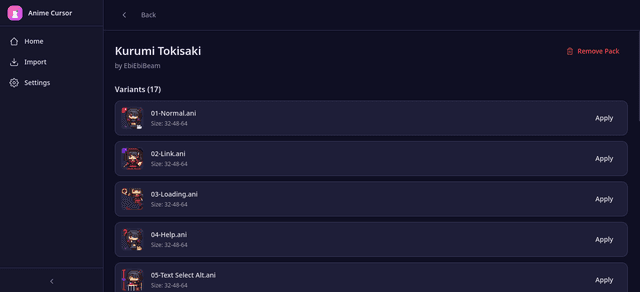
One-Click Apply
No more digging through Control Panel or registry. Apply any cursor pack with a single click.
Pack Import via Drag & Drop
Import ZIP packs or individual .ani files by dragging them into the app. Auto-extracts and organizes.
Auto OS Detection
Works on Windows and Linux. No need to pick a platform — the app detects and applies correctly.
Import Your First Pack
Start with sample anime cursor packs included in the app, or import your own collection.
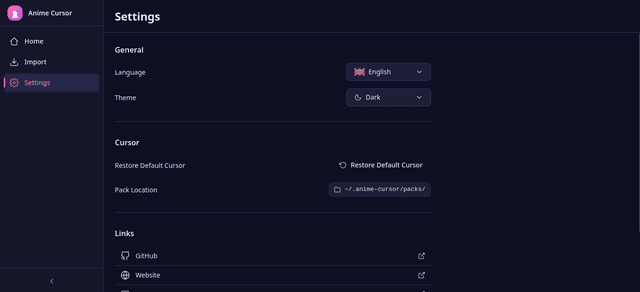
Safe Backup & Restore
Automatic cursor backup before every apply. Restore your system default anytime from Settings.
Cross-Platform
Windows .ani and Linux Xcursor formats supported. Fully offline, privacy-respecting, and open source.
Installation
Download & Run
wget https://github.com/Curzyori/anime-cursor/releases/download/V1.0.0/Anime.Cursor_1.0.0_amd64.deb
sudo dpkg -i Anime.Cursor_1.0.0_amd64.deb
anime-cursor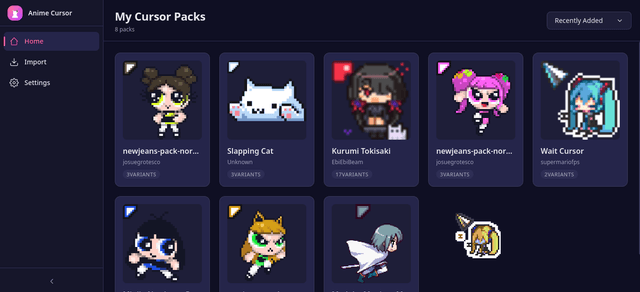 | 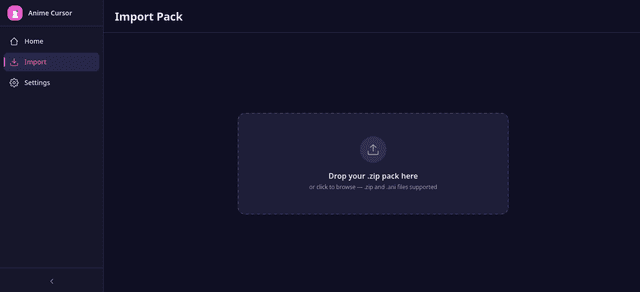 |
 |  |